
Start here
Employee first steps
After you accept your invitation and sign in, My Planner shows a short checklist for your own first actions.
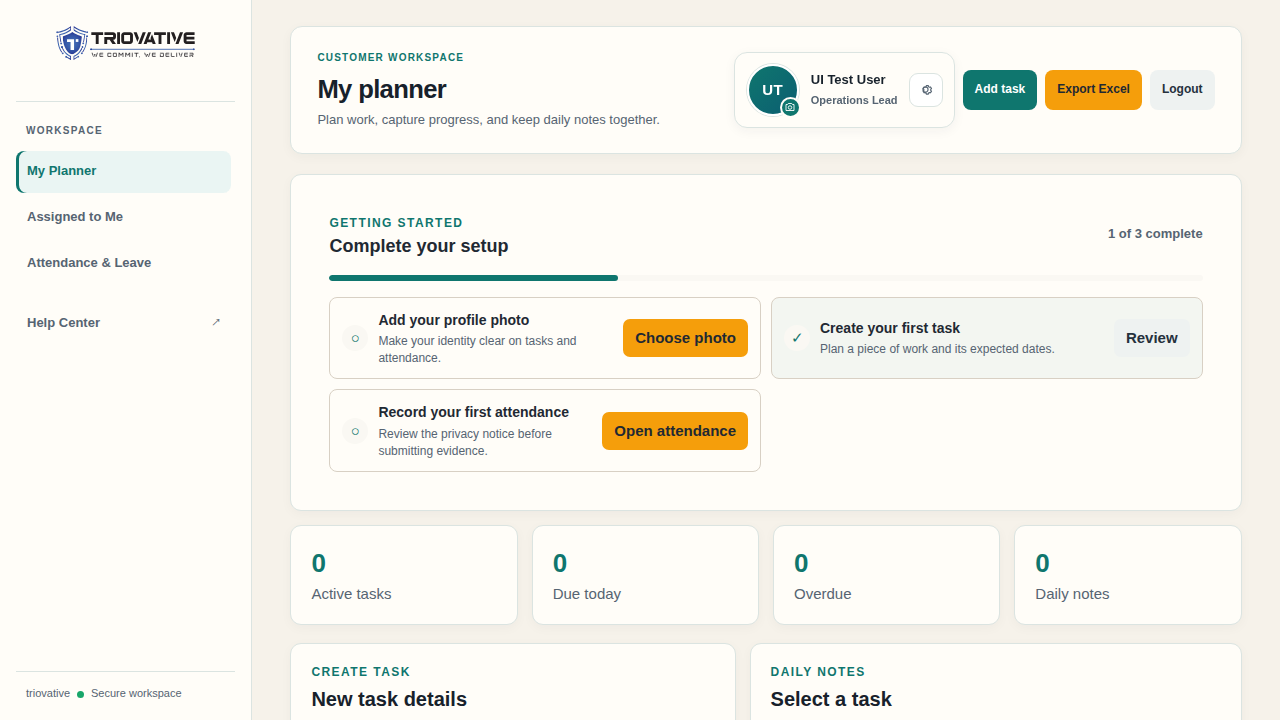
Example screen using sample data.
- Select your profile photo control and upload a photo if you want one. Your name remains visible even without a photo.
- Create a task in My Planner with a clear title and expected dates.
- Open Attendance & Leave, read the attendance notice, and make your first punch using a live selfie and an accurate location fix.
Use Assigned to Me for actions assigned inside tasks. Return to Attendance & Leave to see your records, leave balances, holiday calendar, and draft payroll estimate. Your profile settings also contain personal reminder preferences.
Your administrator controls your employment and pay profile. Ask them if your name, assignment, leave balance, or payroll input is incorrect. If an action says that administrator authority is required, the roles guide explains the boundary.